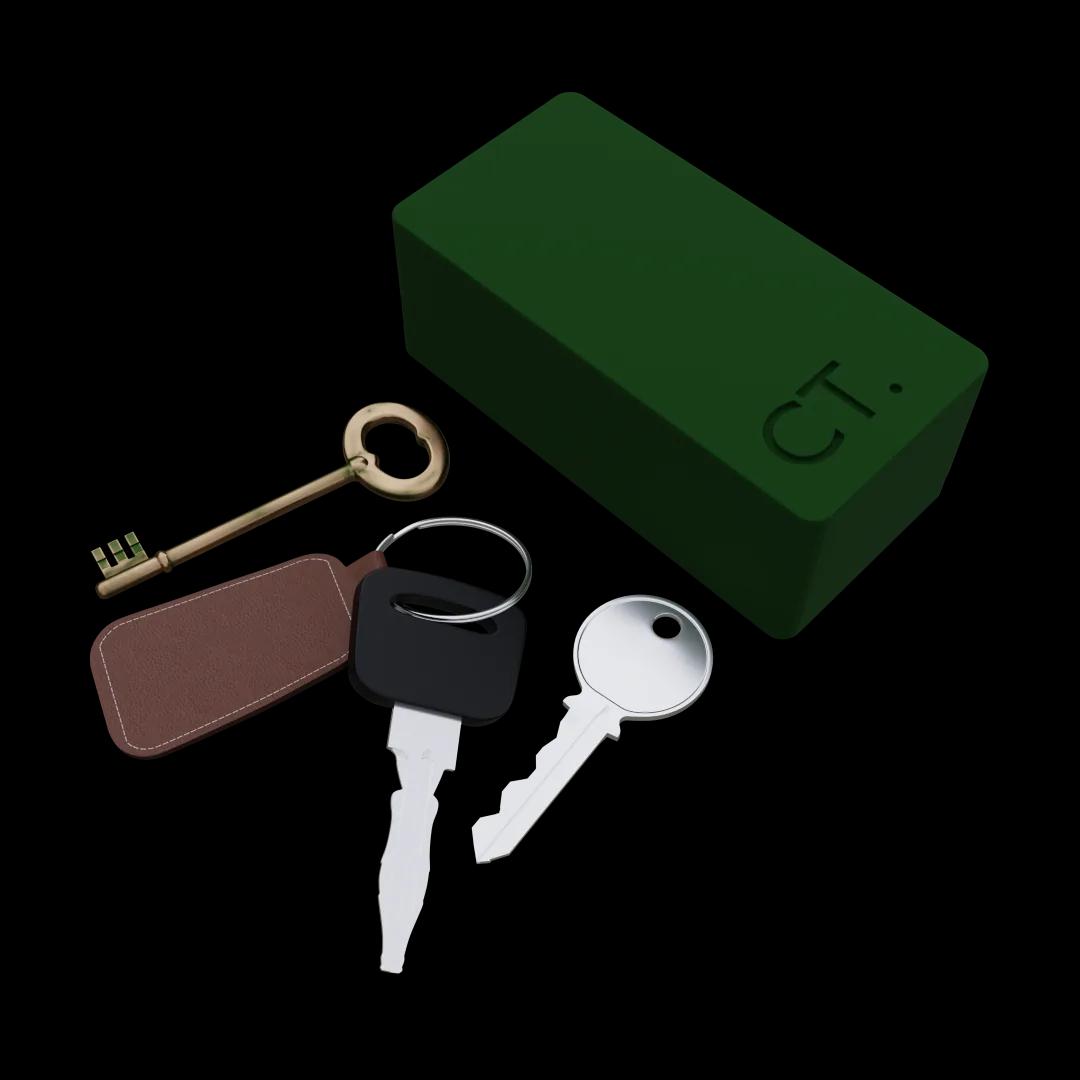
Guardian
See when your door opened, even when you’re not home
Left in a hurry? Expecting the kids back from school? Chipper logs every opening and closing, so you can check instead of guessing.
How it works
Chipper runs on a battery, so it goes where the door is, not where the outlet is.
On first start Chipper opens its own “chipper” network. Join it, enter your home Wi‑Fi and your ChipTree account, and it pairs itself.
Each opening and closing reaches your panel with its exact time. An open panel updates on its own.
Try the ChipTree way
Guardian
Left in a hurry? Expecting the kids back from school? Chipper logs every opening and closing, so you can check instead of guessing.
Panel
See whether each door is open or closed, when it last moved, how often it opened and how much battery is left. Pick any day to look back.
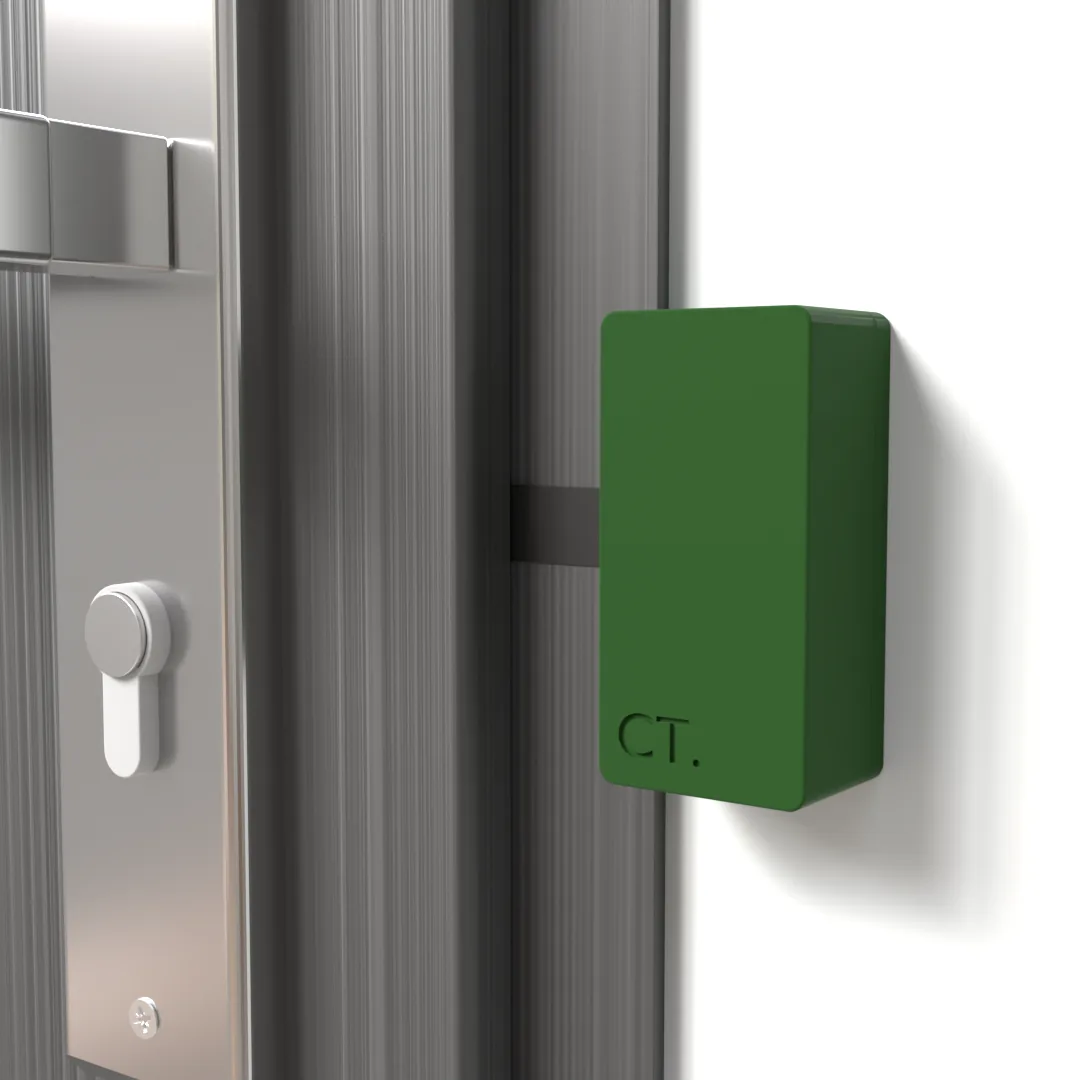
Chipper
Chipper sleeps until the door moves. Then it wakes up, sends the event and goes back to sleep, which is why it can run on a battery.
FAQ
No. It detects whether the door is open or closed, not the position of the lock.
No. It runs on a battery, and the panel shows how much charge is left.
A 2.4 GHz Wi‑Fi network with internet access. Chipper sends each event as soon as the door moves.
Not yet. Today you check the state and history in the panel, which updates live while it is open.
Yes. Every Chipper on your account appears in the same panel, each with its own history.
ChipTree panel
Already have a Chipper? Sign in to see its state and history.
Sign in
